API integrations
Connect Pacsy to more of your systems.
The platform for connected care. From your archive to the next step in care. Explore the tools that keep your imaging connected.
Organize DICOM studies, find the images you need and work together. Use Pacsy as your archive or alongside an existing PACS.
AvailableLearn more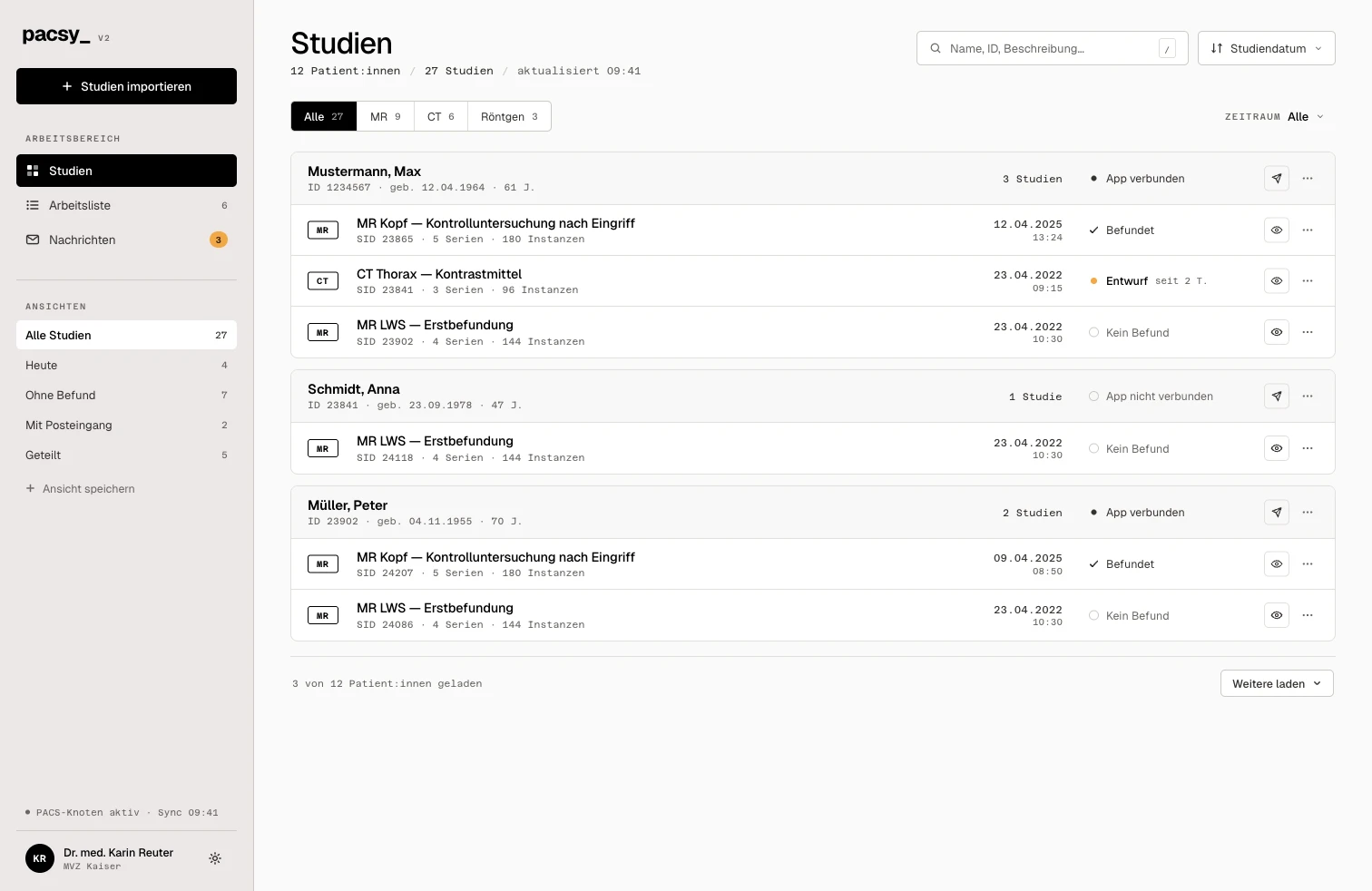
Interpret medical images in your browser. The medical DICOM viewer connects diagnostic interpretation with your workflow from archiving to sharing.
AvailableLearn more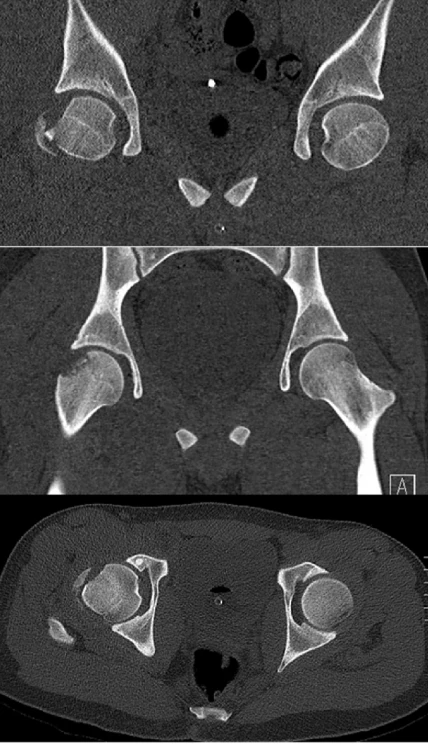
Patients receive their studies in the Pacsy app and share them for their next appointment. Original imaging data stays available digitally.
AvailableLearn more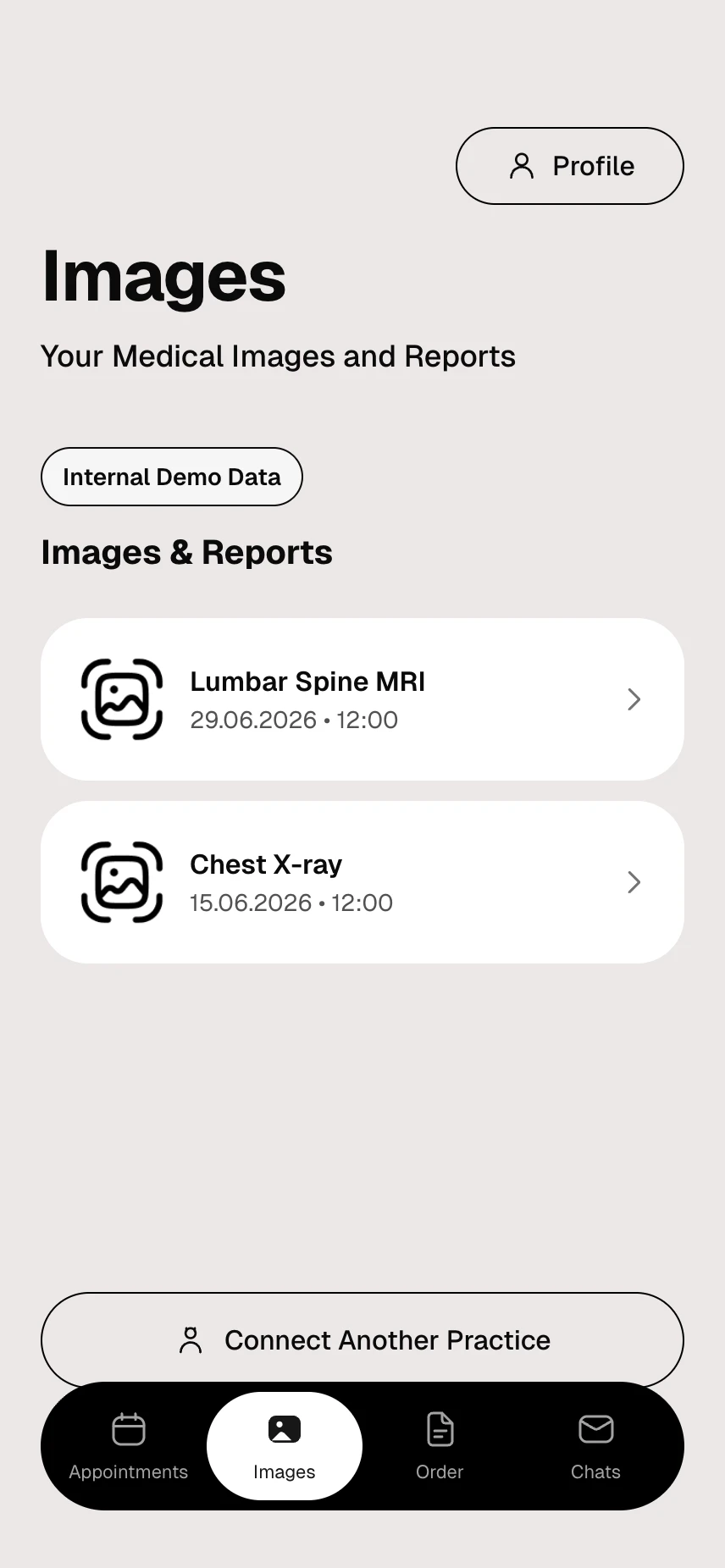
Make studies available to referring practices through a dedicated portal. Keep images and reports together for the next step in care.
AvailableLearn more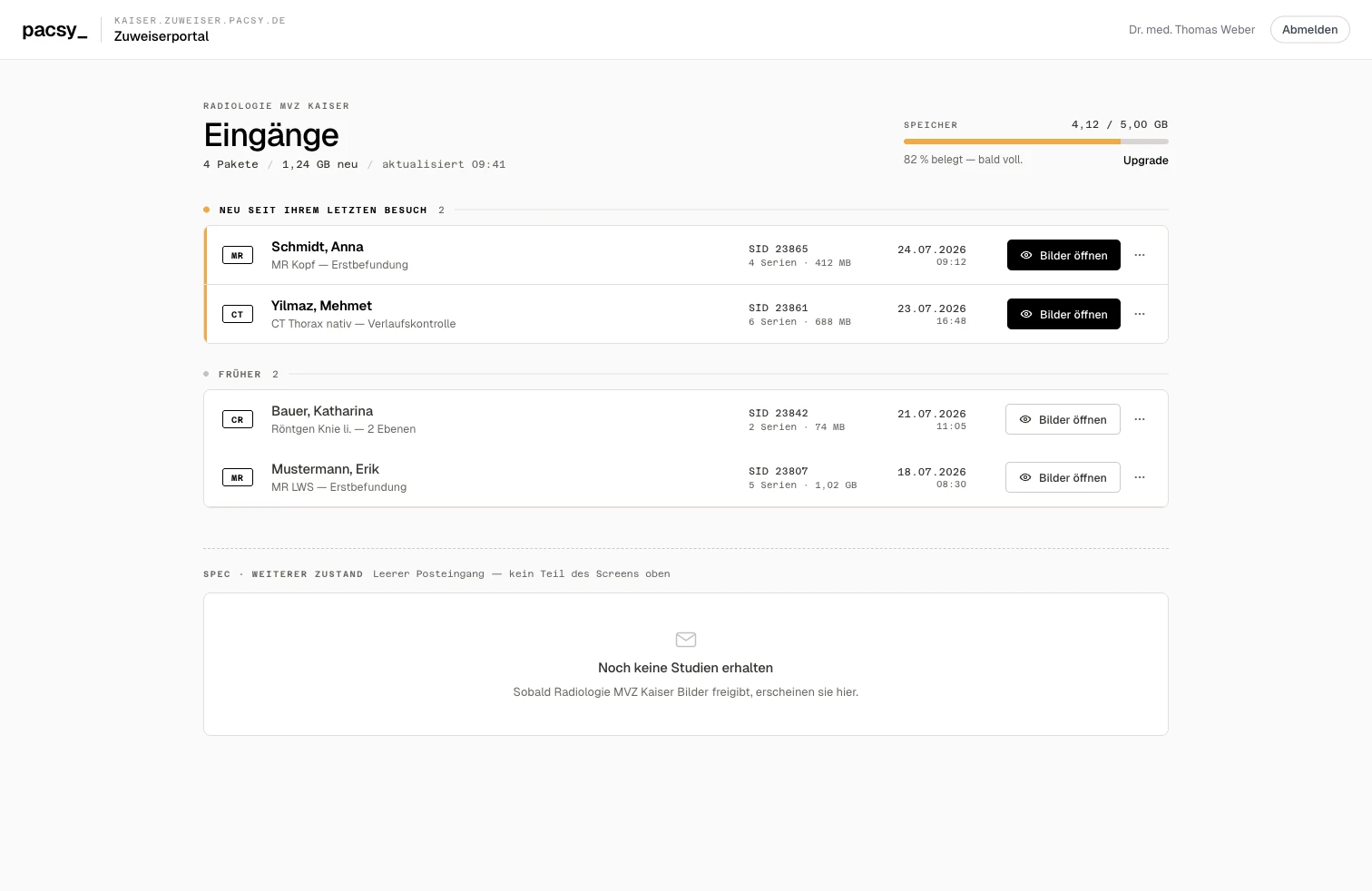
Choose who receives each study. With a separate access code and an optional expiry date.
Available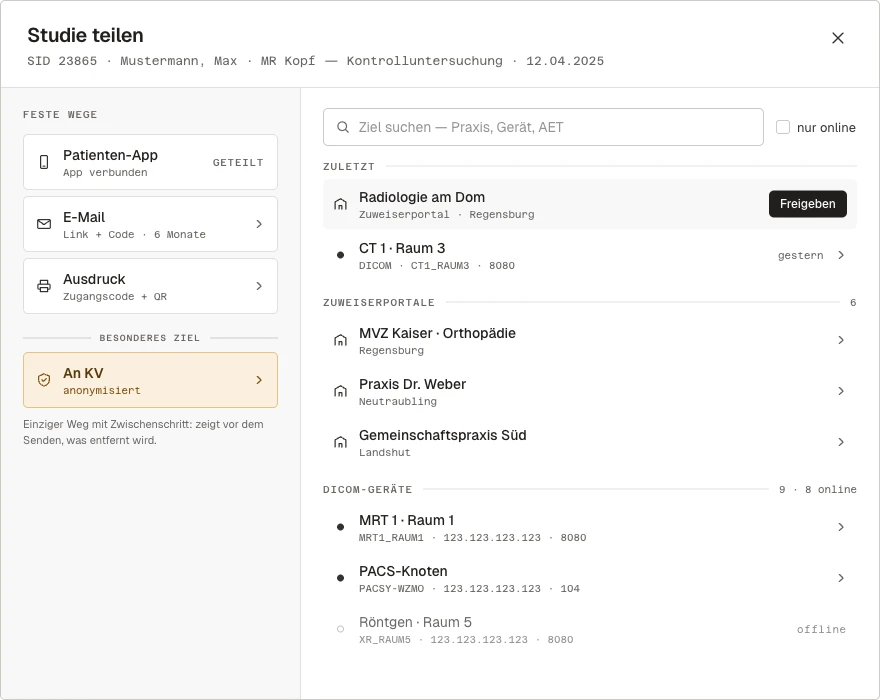
Bring external studies into your workflow. We’ll work with your team to establish the right import and integration approach.
AvailableLearn more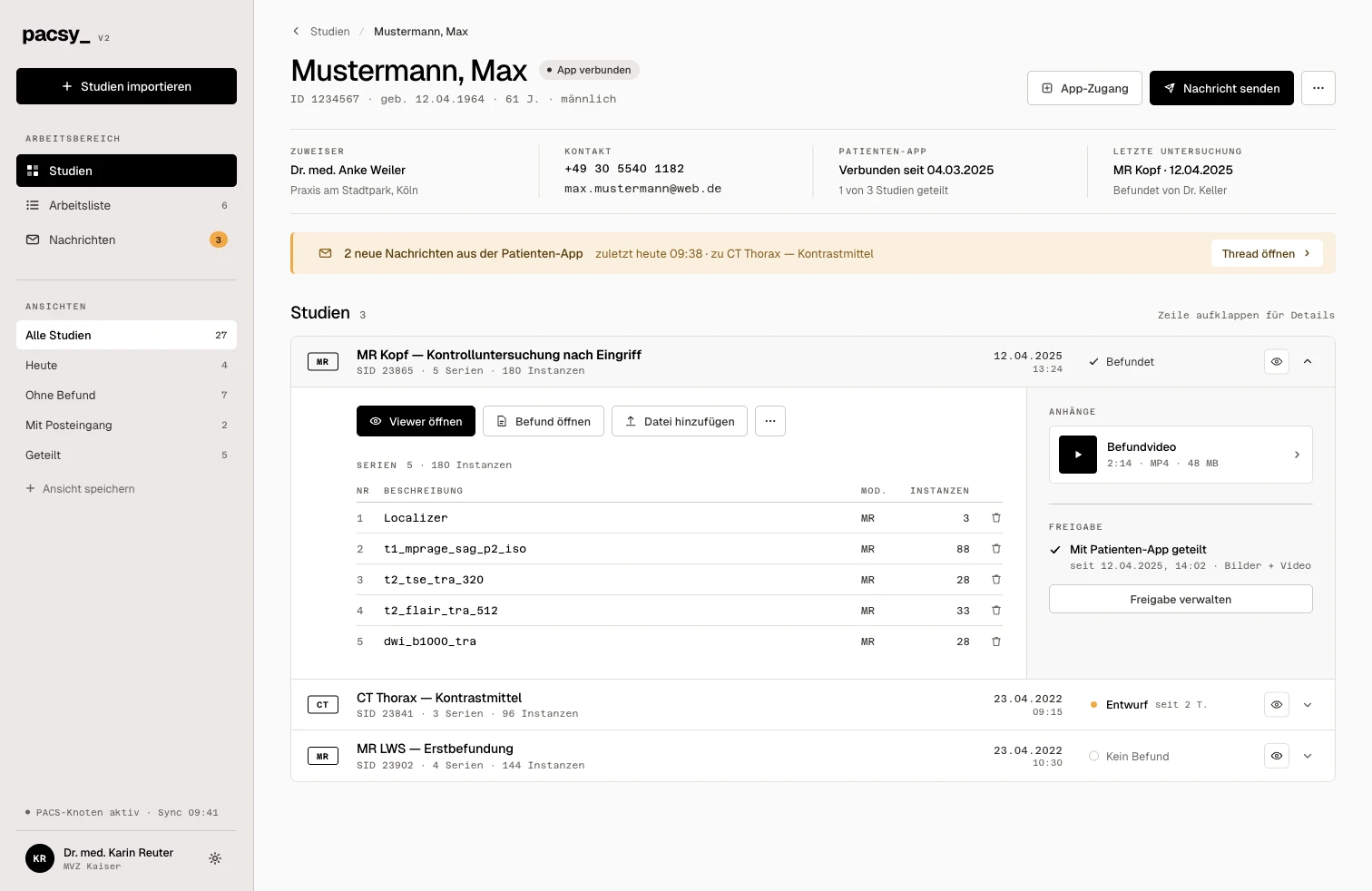
Dictation and report creation are integrated into Pacsy. Talk to us about using these tools in your organization.
AvailableBook a demoFrom examination to report.
When a patient brings a QR slip from another practice, scan it with a webcam or scanner. The images go straight into Pacsy.
AvailableBook a demoFrom QR slip to archive.
Doctors chat live in the Pacsy network, with colleagues or with their patients. A chat can be attached to a study, so everyone involved talks about the same images, much like a case conference.
AvailableBook a demoFrom image to case discussion.
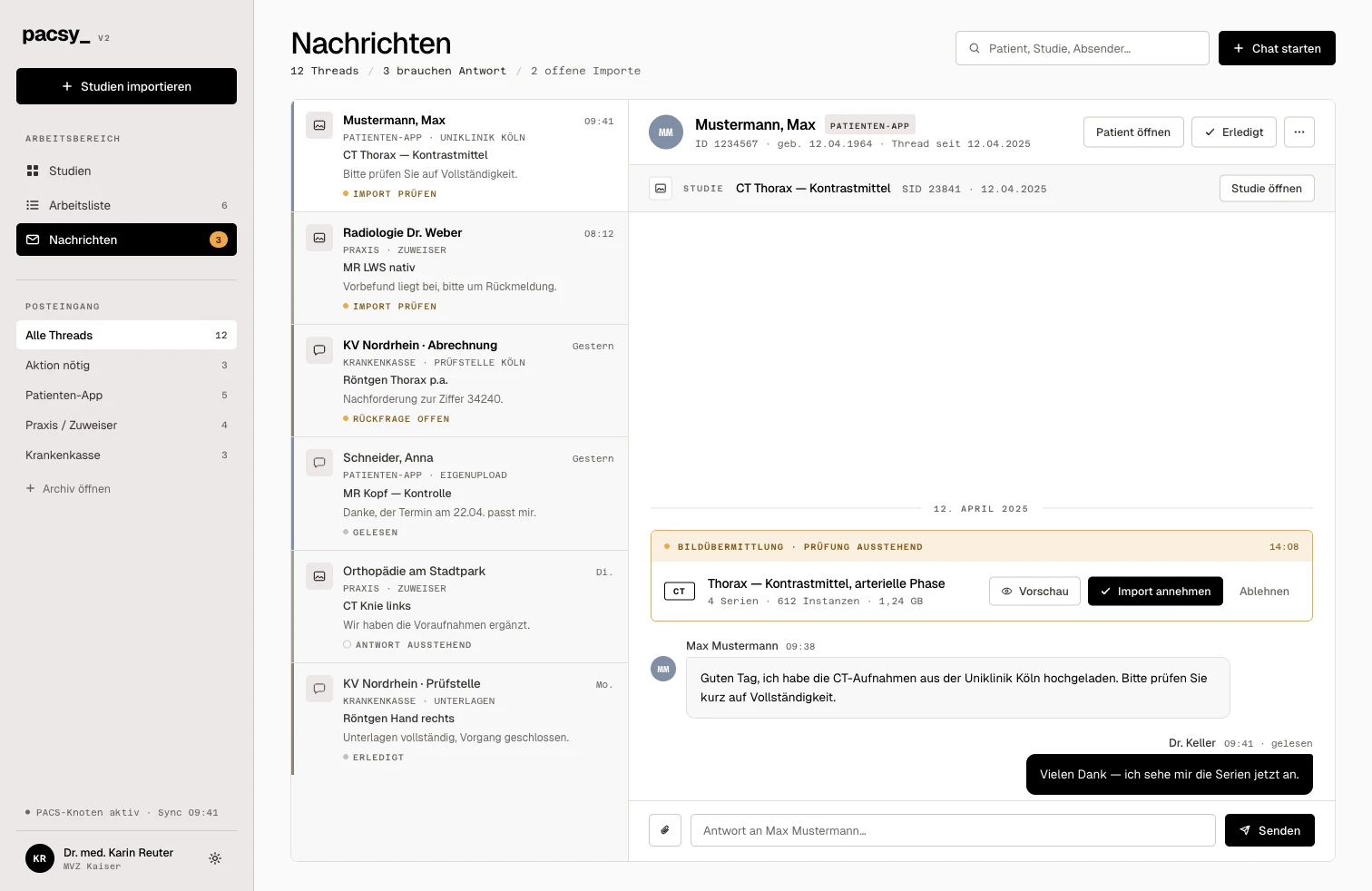
The inbox collects messages, requests and studies that other practices share with you. Your team sees at a glance what is still open.
AvailableBook a demoMore tools for system integrations and practice workflows are planned.
Connect Pacsy to more of your systems.
Organize practice workflows in the cloud.
These features are not yet available. Scope and release dates have not been confirmed.
Explore Pacsy around your practice, your systems and your team.
Your contact